
Description
1. Set Gallon Capacity:
- Calculate the system’s gallon capacity and subtract the necessary reserve.
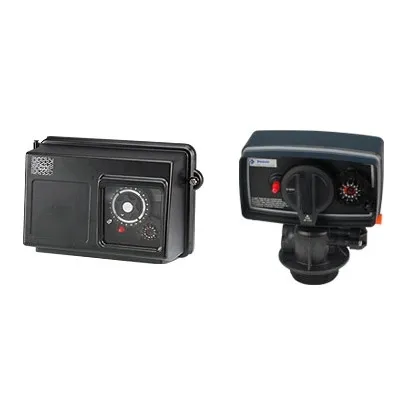
- Lift the gallon dial and rotate it so that the required number of gallons aligns with the white dot on the program wheel gear.
- Release and check for firm engagement with the gear.
Note: To set meter capacity at initial start-up, either:
- Rotate the manual regeneration knob one full revolution, OR
- Rotate the program wheel manually clockwise and align the white dot with the capacity arrow.
- This procedure must be followed any time the program wheel setting is changed.
2. Set Time of Day:
- Press and hold the red button to disengage the 24-hour gear.
- Turn the 24-hour gear until the actual time of day aligns with the time-of-day pointer.
- Release the red button to re-engage the 24-hour gear.
3. Manual Regeneration (Anytime):
- Turn the manual regeneration knob clockwise one “click.”
- This slight movement engages the program wheel and starts the regeneration program.
- The black center knob will make one full revolution over approximately three hours and stop in the position shown in the drawing.
- Conditioned water may be drawn once rinse water stops flowing from the water conditioner drain line.
4. Immediate Regeneration Timers:
- These timers do not have a 24-hour gear.
- Setting the gallons on the program wheel and performing manual regeneration is the same as described above.

Reviews
There are no reviews yet.